Set up your camera
Follow three simple steps.

Download Emanta
Choose the store for your phone.


Connect your camera
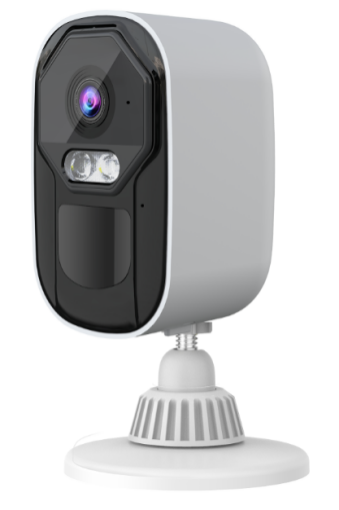
Turn on your camera and add it in Emanta.
The video could not load. Check your connection and try again.
The video shows Eseecloud. An Emanta-specific version is still needed.
Check the live view before continuing.
Install your camera
Test your spot before mounting.
The video could not load. Check your connection and try again.
This is currently the same app pairing video as step 2.
Check the connection, then secure and adjust.
Need a little help?
Get help with your camera setup.